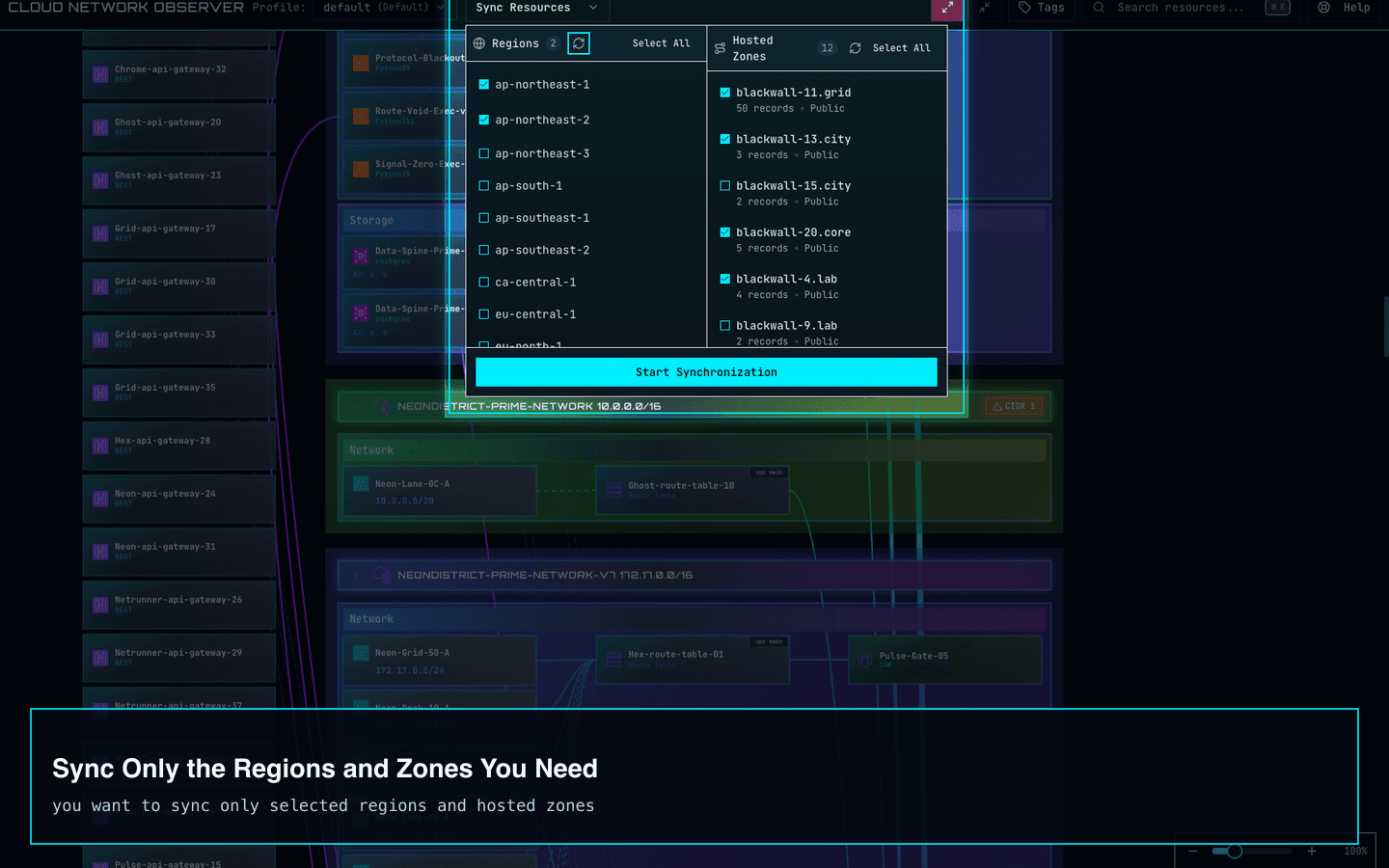
Highlight 01
Sync Only the Regions and Zones You Need
Narrow the view to the Regions and hosted zones involved in the task instead of pulling in unnecessary data and rebuilding your mental map every time.
Cloud Network Observer is an AWS network visualizer for lean operations teams that need one read-only view for VPC, Route53, routing, and resource relationships before incidents, cleanup work, or production changes.
Start free, run 3 successful AWS syncs on your own environment, then keep real AWS re-sync available with a $29 lifetime unlock. Cached graphs and sample data stay readable after the free syncs are used.
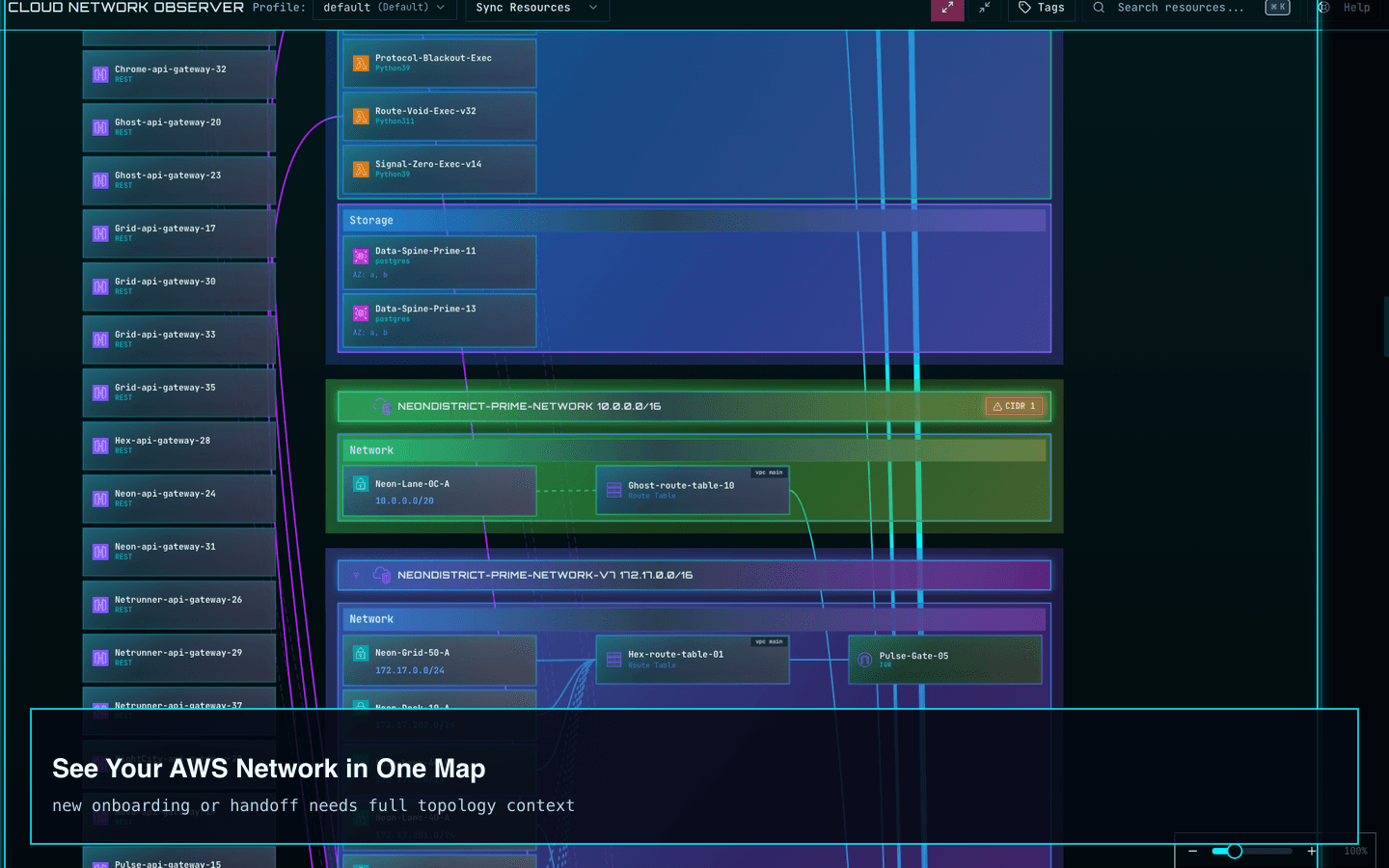
Where AWS network work gets slow
AWS network reviews often mean opening multiple Regions, Route53 records, and resource detail panes just to answer one question. These workflows cut down the repetitive navigation and make comparisons faster.
Narrow the view to the Regions and hosted zones involved in the task instead of pulling in unnecessary data and rebuilding your mental map every time.
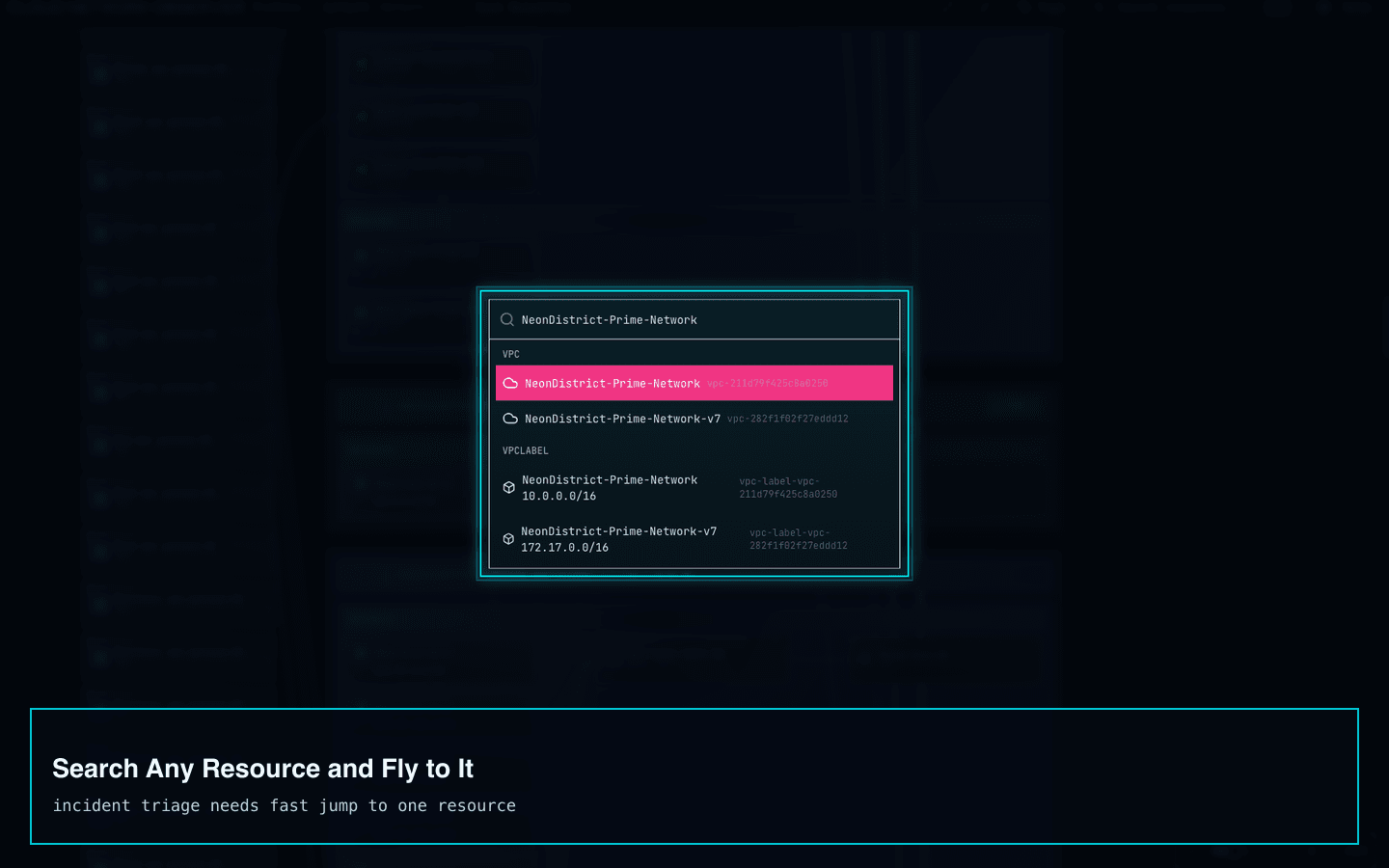
Jump directly to the resource you need instead of manually scanning a large topology or opening several AWS screens to find the same object.
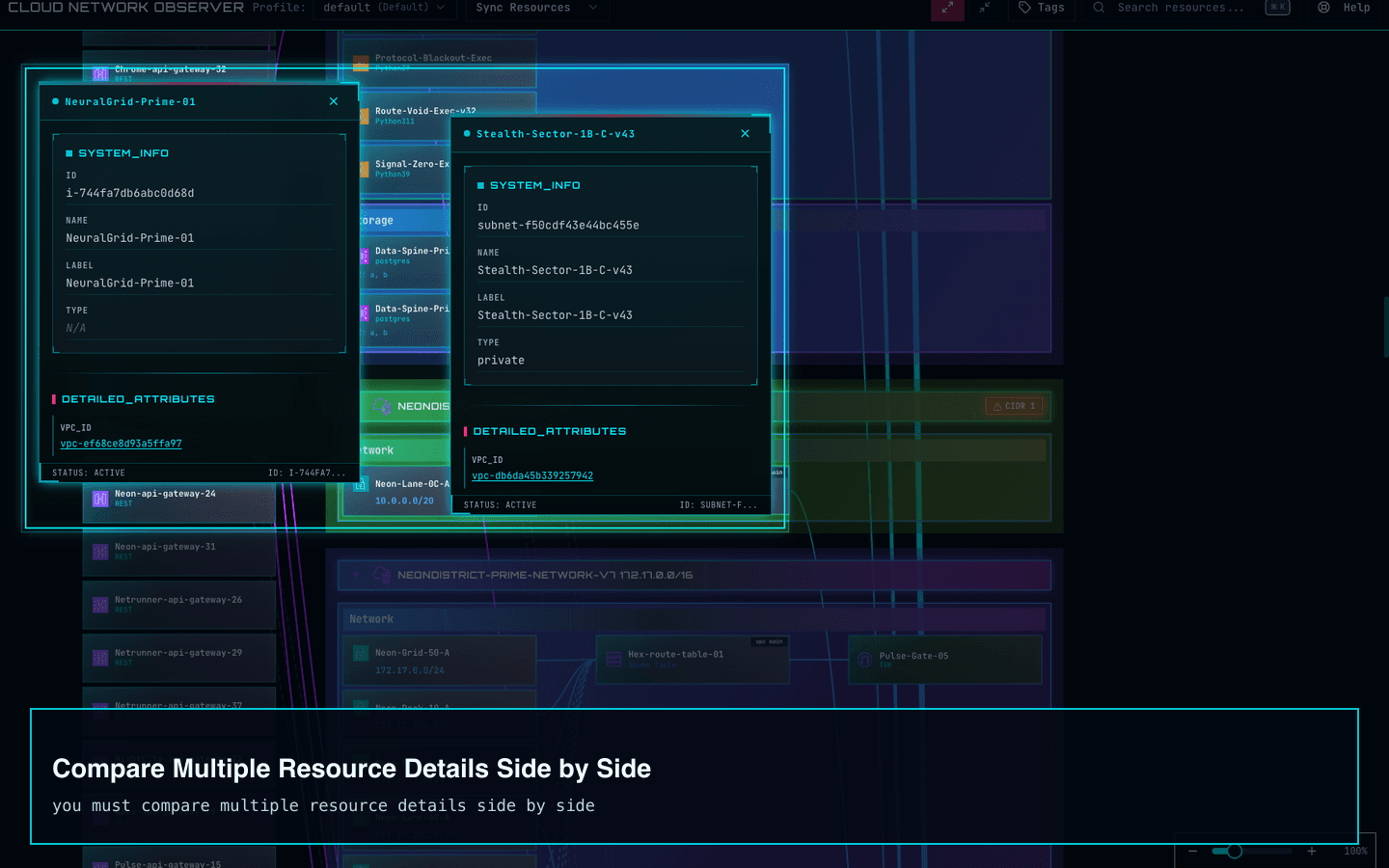
Keep related details visible together so you can compare routes, subnets, gateways, and DNS-linked resources without tab flipping and note juggling.
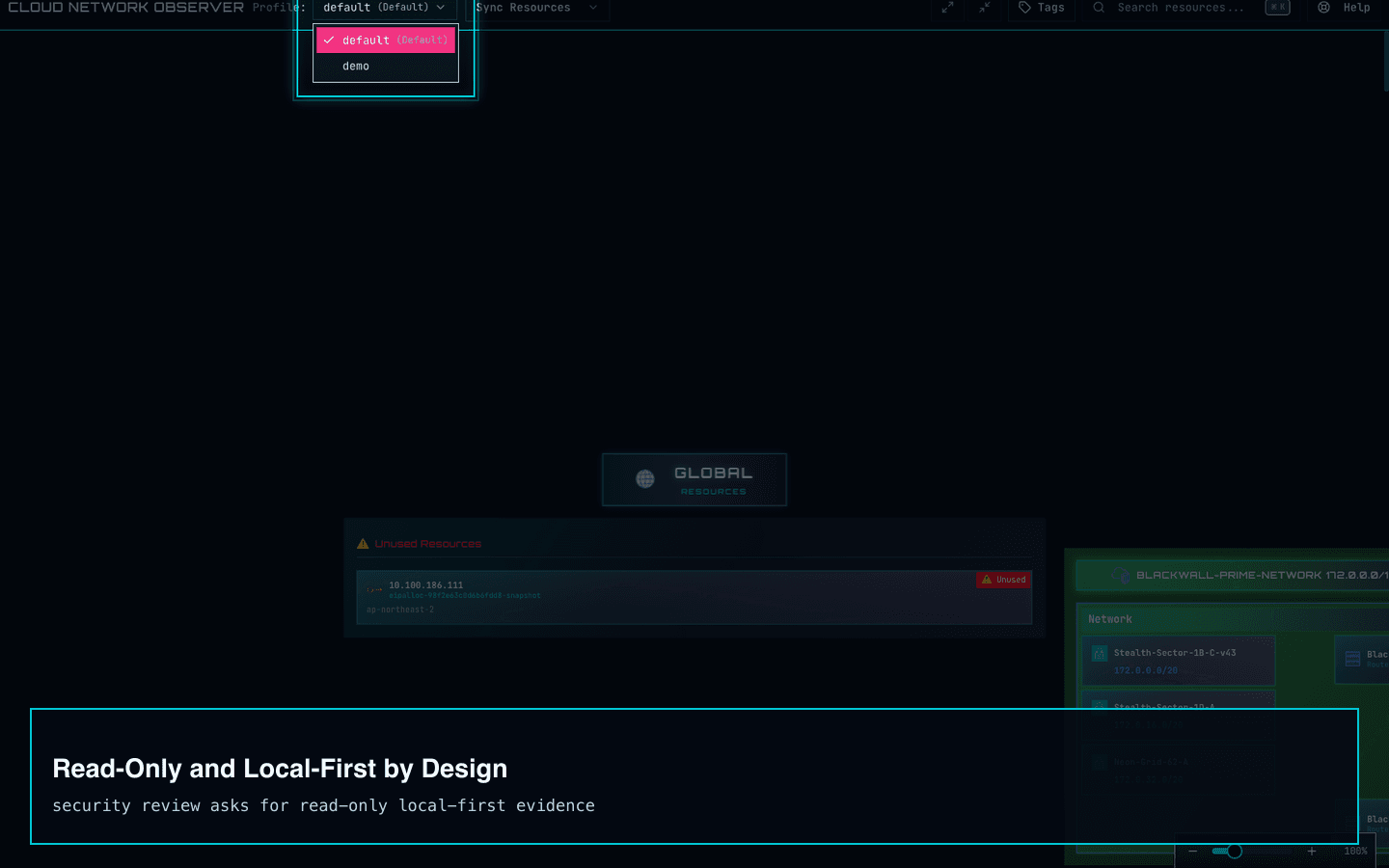
Inspect production-like environments with less anxiety by keeping access read-only and data local to the desktop workflow.
Use cases
Cloud Network Observer is aimed at teams that operate AWS directly and need a read-only way to understand VPC, Route53, peering, and resource relationships before they change something or respond to an issue.
Use the read-only AWS topology map when a small team needs to confirm routes, DNS paths, and cross-VPC relationships before making a production change.
Explore this use caseSearch a resource, jump to it, and keep related details open side by side so incident review does not turn into repeated console navigation across Regions and services.
Explore this use caseSurface CIDR conflicts, missing peering routes, NAT-heavy public-only DNS paths, and unused Elastic IPs inside the same AWS network visualizer workflow.
Explore this use caseWhat gets missed before changes
CIDR conflicts, NAT-heavy paths, and unused public IPs are rarely visible in one pass inside the AWS console. The graph helps surface them before they become tickets, costs, or rollback work.
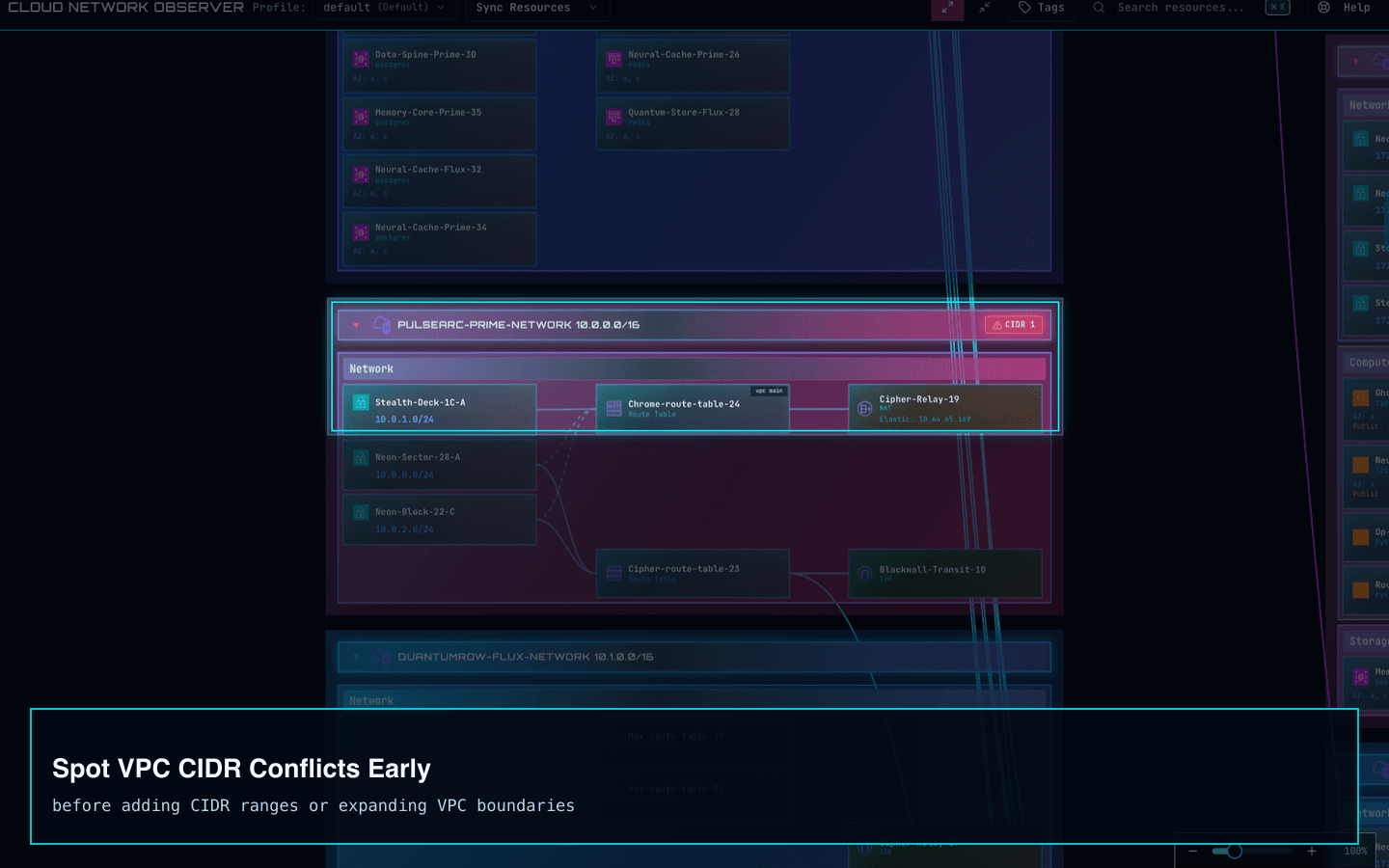
CIDR conflict detection
See overlap and containment risks sooner so address planning and peering changes do not turn into avoidable routing surprises.
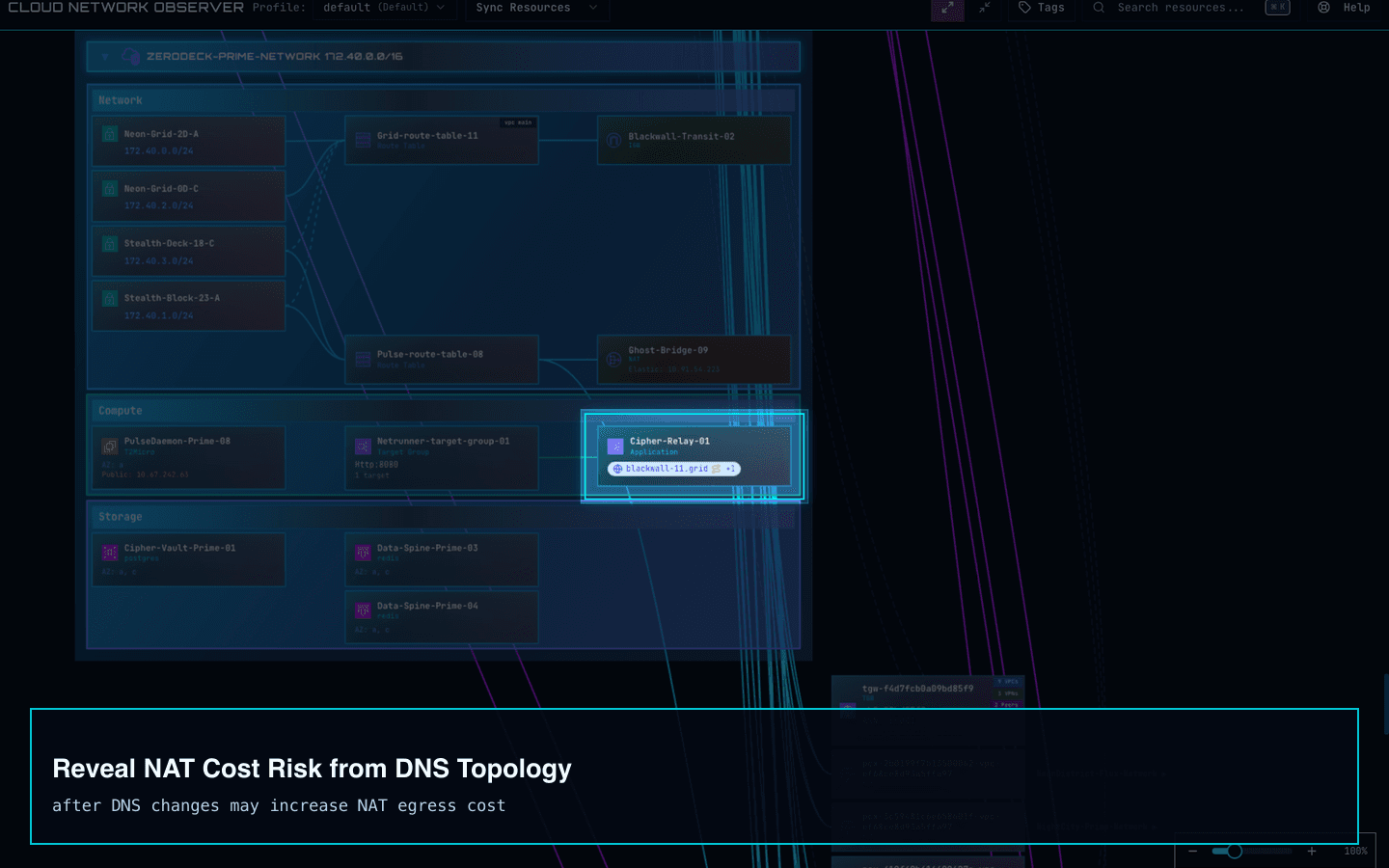
DNS and NAT hints
Connect DNS and topology context in one place to spot public-only paths that quietly drive NAT cost and egress friction.
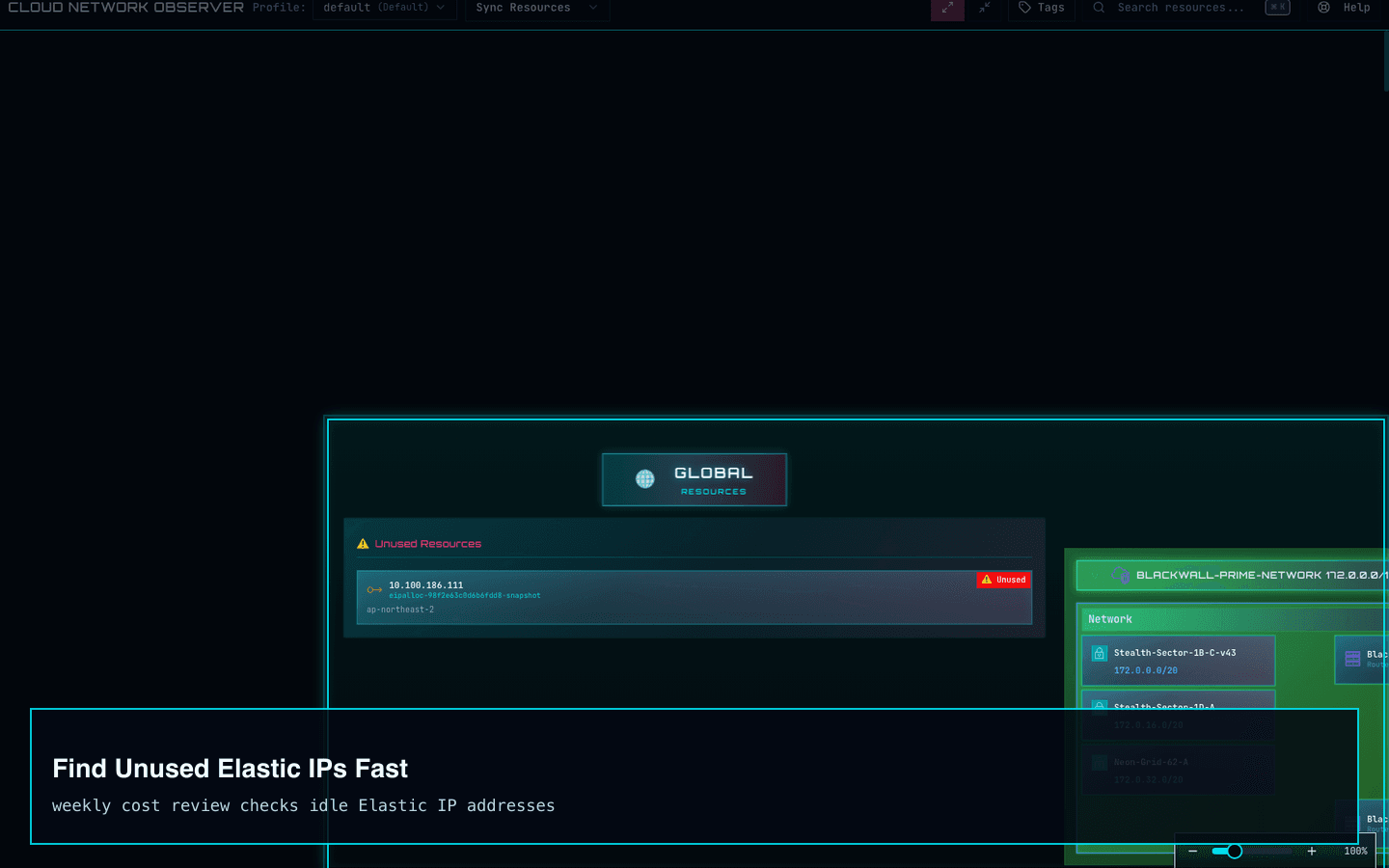
Unused resource visibility
Reduce cleanup guesswork by seeing idle Elastic IP allocations alongside the topology review you are already doing.
Sync credits and pricing
Cloud Network Observer is a free Mac App Store download with 3 successful real AWS syncs included, so small teams can verify the map, search, and risk signals on their own AWS environment before paying.
Free sync credits
Use the free sync credits to connect your AWS folder, sync selected Regions and Route53 zones, search resources, inspect routes, and review CIDR, peering, NAT, and unused EIP risks. After the credits, cached graphs stay readable and unlimited real AWS re-sync unlocks with one purchase.
Sample data remains available for a quick demo, and cached graphs stay readable after free sync credits are used.
FAQ
These answers are here to reduce install hesitation now that the Mac App Store listing is public.
It is designed for startups and small operations teams that run AWS without a large dedicated cloud networking group and need faster VPC, Route53, and peering visibility.
The AWS console often splits topology, DNS, routes, and resource details across different screens and Regions. This product pulls that context into one read-only map so reviews and triage take less navigation work.
You choose the AWS settings folder you already use. The app reads it locally, keeps access read-only, and can reopen the same folder on later launches.
Cloud Network Observer is a free Mac App Store download with 3 successful AWS syncs included. After those sync credits, cached graphs, search, and sample data stay available, and continued real AWS re-sync unlocks with a one-time $29 lifetime purchase.
Mac App Store
Download Cloud Network Observer from the Mac App Store. Visitors from Korea are sent to the Korean storefront, and visitors from other countries use the US storefront to reduce install friction.
Download

The download link resolves automatically: Korea visitors use the KR storefront first, and everyone else uses the US storefront. If country detection is unavailable, the server falls back to the request language.
Privacy Policy
Review how opt-in analytics, masking, and privacy protections are handled in the product.